




Key takeaways
- Метки — organizing links by groups and campaigns.
- Filtering — Stats per channel separately.
- Structure — order instead of chaos from hundreds of links.
A tool for perfect order
Tags are like folders for links: grouping by a trait for analysis without losing data.
Why is this needed?
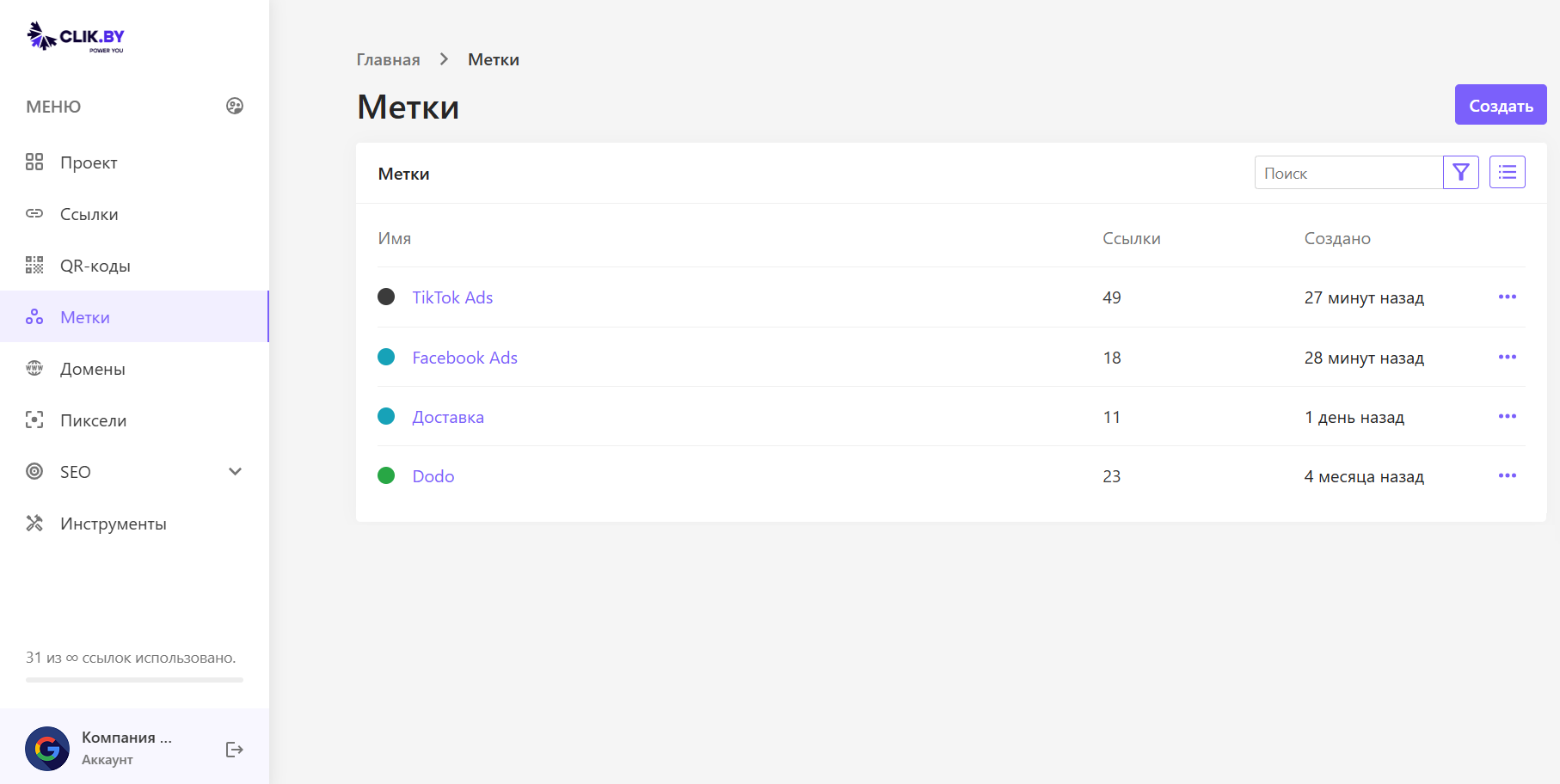
TikTok vs Facebook: tags «TikTok Ads» and «Facebook Ads» → filter and total Stats by channel.
Примеры
- Каналы: TikTok, Facebook, Instagram, Email
- Campaigns: Black Friday, summer sale
- Products: course A, consultations
- Audience: B2B, B2C, retargeting
What is on the screen
Tag list: name, number of links, date, edit/delete menu.
Three simple steps
1
Create a tag
«Create» → name and color.
2
Assign to a link
When creating/editing a link, choose tags.
3
Filter
In «Links», show only the needed campaign.
Best practices
Naming
- Clear names
- A single scheme (channel — month — type)
- No duplicates
Уровни
- 1 — channels
- 2 — campaigns
- 3 — products
Colors (example)
- Blue — social networks
- Green — successful promos
- Orange — tests
- Red — weak channels
- Gray — archive
Analytics
- Comparing channel CTR
- Seasonality
- Products with the most clicks
- Budget optimization
Conclusion
Итог: tags turn link chaos into a campaign control panel.
Start with 3–5 tags by channel, then refine.